
Introduction
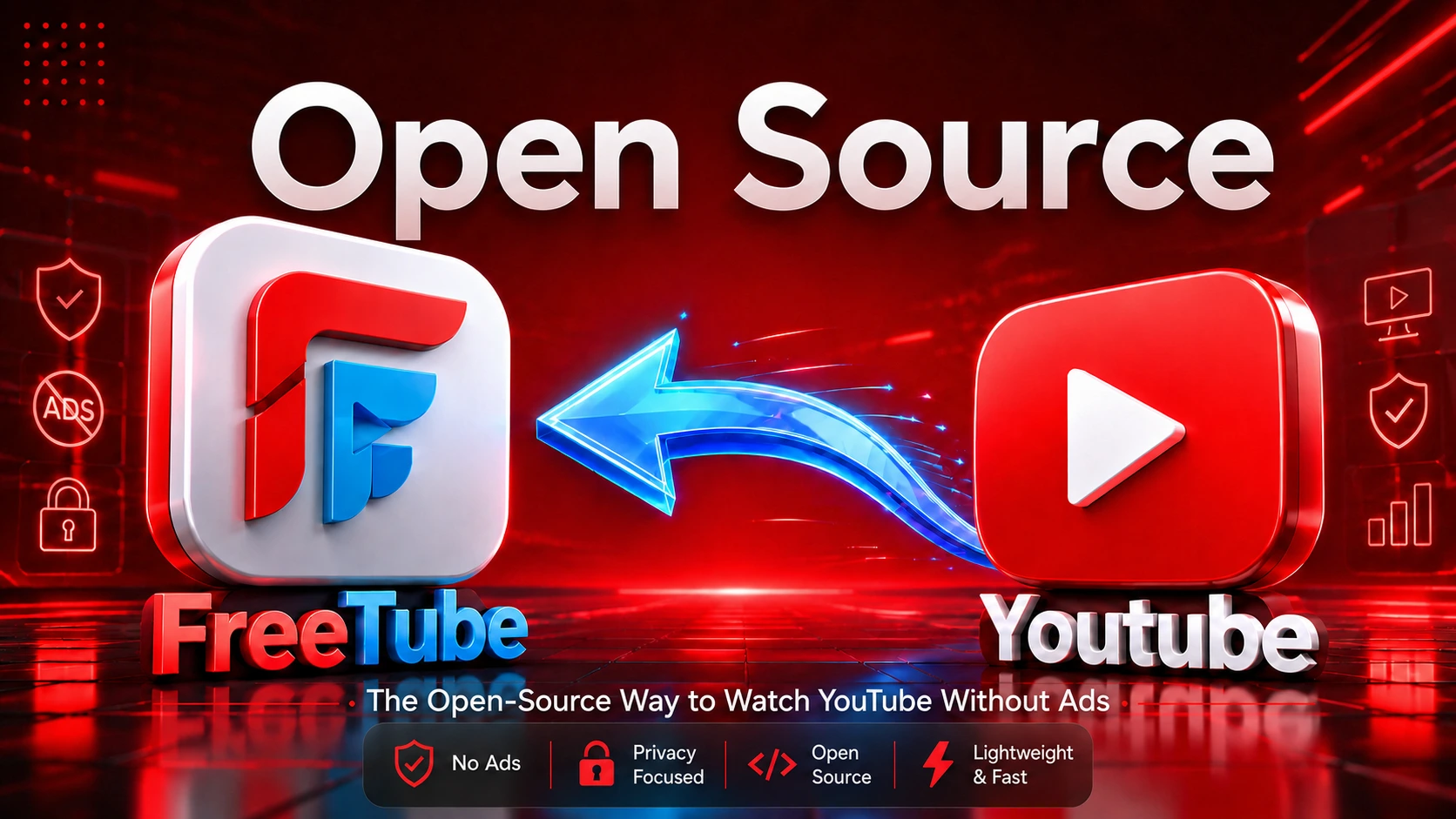
Watching YouTube without aggressive tracking, algorithmic rabbit holes, or relentless ads usually means juggling multiple browser extensions that break every other week. FreeTube takes a radically different approach: an open-source, standalone desktop client built to give you back control over your viewing experience with local subscriptions, no Google account requirement, and zero ads.
However, running a reverse-engineered client in 2026 comes with real trade-offs—from potential playback breaks when YouTube updates its protocols to understanding how your IP is handled between its Local and Invidious APIs.
In this comprehensive guide, I break down how FreeTube actually works under the hood, what its privacy promises really mean, and what happened when I deployed it on an older, resource-constrained machine running Linux Mint.
What Is FreeTube ?
FreeTube is a free and open-source desktop application that allows users to browse and watch YouTube content from a separate desktop interface. It is designed as an alternative way to access YouTube, particularly for people who want a more privacy-focused and locally controlled viewing experience.
Unlike the usual YouTube website, where you access YouTube through a web browser, FreeTube provides its own desktop application for watching and browsing YouTube content. Users can search for videos, open channels, watch content and use other familiar YouTube-style functions directly from the application.
FreeTube does not require users to sign in with a Google account just to use the application. It is built around the idea of giving users a different way to interact with YouTube while keeping the experience simple and familiar.
Why Was FreeTube Created ?
FreeTube began as a privacy-focused project. Its broader purpose is to provide a way to access YouTube content
while reducing dependence on Google's normal tracking mechanisms, cookies, JavaScript and account-based experience.
The project's approach is therefore larger than simply removing advertisements. Privacy, local data storage and
user control are central parts of its design.
How FreeTube Works ?
FreeTube currently supports two main extraction approaches.
• Local API: FreeTube has a built-in extractor. It obtains required information from YouTube without using the official YouTube API. The Local API is the default when FreeTube is installed for the first time.
• Invidious API: FreeTube can also connect to an Invidious instance. Invidious obtains YouTube information on the user's behalf.
The Local API can be faster and is less dependent on a third-party instance, but it makes requests directly to YouTube. The Invidious approach can provide an additional privacy layer because the selected instance acts as an intermediary, although individual instances can have availability or performance problems.
Does FreeTube Need a Google Account ?
No. FreeTube does not require a Google account for its normal use. One of its official features is the ability to subscribe to channels without an account. Subscriptions, playlists and history can be stored locally on the computer. This was one of the features that impressed me because I could create my own subscription feed without signing into YouTube.
Is FreeTube Really Ad-Free ?
FreeTube officially lists watching videos without advertisements as a feature. This is different from simply opening YouTube in a browser with an ad-blocking extension because FreeTube uses its own application and extraction system.
FreeTube also supports SponsorBlock, which can identify and skip certain sponsor segments inside videos. Creator-read sponsorships inside a video are different from YouTube advertisements and are part of the video itself.
FreeTube and Privacy
FreeTube's privacy model is one of its strongest reasons for existing. The official documentation says that FreeTube stores user data locally and does not use it to track viewing habits.
However, FreeTube should not be described as a tool that makes a user completely anonymous. When the Local API is used, requests go directly to YouTube and the user's IP address can be sent to YouTube. With the Invidious API, the request goes to the selected Invidious instance, which then communicates with YouTube. FreeTube's documentation recommends using a VPN alongside FreeTube for stronger privacy.
FreeTube Features and Limitations
Key Features
- ✓ Ad-free viewing
- ✓ Privacy-focused browsing
- ✓ Local subscriptions
- ✓ Local playlists
- ✓ Local watch history
- ✓ Subscription profiles
- ✓ Import / Export
- ✓ Trending
- ✓ Chapters
- ✓ SponsorBlock built-in
- ✓ DeArrow support
- ✓ Browser integration
- ✓ External video player
- ✓ Custom themes
- ✓ Video screenshots
- ✓ Multiple windows
- ✓ Mini Player / PiP mode
- ✓ Keyboard shortcuts
- ✓ Family-friendly settings
- ✓ Distraction-free settings
- ✓ Channel community posts
- ✓ Local API / Invidious API options
Limitations & Trade-offs
- ⚠ Still Beta software
- ⚠ YouTube changes can affect compatibility
- ⚠ Some official YouTube features unavailable
- ⚠ No normal Google account synchronisation
- ⚠ Data is primarily device-specific
- ⚠ Invidious has its own limitations
- ⚠ Not complete anonymity (requires VPN for network privacy)
- ⚠ Some features may behave differently than native web
- ⚠ Regular updates may be necessary
- ⚠ Not ideal for users needing deep Google ecosystem integration
- ⚠ Primarily a desktop experience (no native mobile app)
My Introduction to FreeTube
I first discovered FreeTube in 2026 while using an older Windows 7 Ultimate 64-bit laptop with 4 GB RAM. The system was struggling with modern workloads, and Windows 7 was also no longer receiving normal security support from Microsoft. I began researching lighter operating systems and eventually became interested in Linux Mint Xfce.
While researching lightweight Linux software, I came across FreeTube. My first attraction was simple: it offered a way to watch YouTube content without the normal advertising experience. I then researched it further and
discovered that it also focused on privacy, local subscriptions and open-source development.
I installed FreeTube through the Linux Mint software manager and started using it myself. What initially looked like a simple ad-free YouTube application turned out to be a much broader privacy-focused desktop client.
My FreeTube Experience on Linux Mint
After installing FreeTube through the Linux Mint software manager, I began watching videos normally. Initially, I faced a playback issue: a video would start and then stop with an error message. At the same time, FreeTube was showing that an update was available. I updated the application, and afterwards I no longer experienced the same playback problem. I cannot claim that the update definitely caused the fix because I did not perform a controlled technical test. It was
simply my practical experience. The official project also states that FreeTube is still in beta, so bugs and missing features can occur.
★ I Initially Thought FreeTube Was Linux-Only
Because I discovered FreeTube while using Linux Mint, I initially assumed it was mainly a Linux application.
Further research corrected that assumption. FreeTube officially supports Windows 10 and later, macOS 12 and later, and Linux. It is built using Electron, which allows the desktop application to operate across these platforms. This also means that current FreeTube releases should not be treated as officially supported Windows 7 software.
FreeTube vs YouTube
FreeTube is not automatically a replacement for every part of YouTube. The official YouTube platform remains
important for users who depend on Google-account synchronisation, memberships, creator tools, account-based
features and the newest official platform functionality. FreeTube is better understood as an alternative way to access YouTube content, especially for users who value privacy, local subscriptions and an ad-free desktop viewing experience.
Is FreeTube Open Source and Free ?
Yes. FreeTube is free software and its source code is publicly available. The application is distributed under the GNU Affero General Public License version 3 (AGPL-3.0). The distinction between the FreeTube application and its separate documentation/website licensing should be kept clear; the application itself is AGPL-3.0.
Is FreeTube Safe ?
The official project is open source and provides official downloads through its website and GitHub releases. For safety, users should prefer official downloads instead of random third-party websites. Open source does not mean that every unofficial build on the internet is automatically trustworthy. The safest approach is to obtain the application from the project's official distribution channels.
Why Can FreeTube Sometimes Stop Working ?
FreeTube has to interact with a platform whose delivery and streaming systems can change. Its documentation
explains that the Local API relies on extraction modules and that things can break when YouTube changes its systems.
The project continues to work on playback reliability, including reverse engineering YouTube's changing protocols. Therefore, a playback problem does not automatically mean that a user's computer is broken. It can be caused by FreeTube bugs, extractor changes, YouTube-side changes, API availability or an outdated application version.
Who Should Use FreeTube ?
FreeTube may be particularly useful for privacy-conscious users, Linux users, people who dislike advertisements, users who do not want to create another account, and people who prefer a local desktop viewing experience.
It can also be interesting for users who enjoy open-source software and want more control over local subscriptions, playlists and viewing history.
Who Should Stay With Official YouTube ?
Users who depend heavily on Google account synchronisation, memberships, official creator features, account-based recommendations, the newest YouTube features or deep integration with Google's ecosystem may prefer the official YouTube platform. FreeTube is an alternative client, not a complete replacement for every official YouTube feature.
Final Verdict
My first reason for trying FreeTube was very simple: I wanted a better way to watch YouTube without
advertisements. After using it, however, I realised that advertising was only one part of the project.
The more interesting aspect is the privacy-focused design. FreeTube provides local subscriptions, playlists and history without requiring a Google account, while offering an alternative desktop interface for YouTube content.
My experience was not perfect. I initially faced playback problems, but updating FreeTube resolved the issue for me. That experience also reminded me that FreeTube is an actively developed beta project and can be affected by changes in YouTube's systems.
I would recommend FreeTube to users who want a privacy-focused desktop YouTube client and an ad-free
viewing experience. I would not describe it as a perfect replacement for YouTube.
For me, FreeTube is best understood as another way to use YouTube with more local control over the viewing experience.
Frequently Asked Questions
Does FreeTube require a Google account ?
Answer: No. It supports account-free use and local channel subscriptions.
Is FreeTube available for Windows ?
Answer: Yes. Current official support is Windows 10 and later.
Is FreeTube available for macOS ?
Answer: Yes. Current official documentation lists macOS 12 and later.
Does FreeTube work on Linux ?
Answer: Yes.
Does FreeTube block YouTube advertisements ?
Answer: Ad-free video watching is an official feature.
Is FreeTube open source ?
Answer Yes. The application is released under AGPL-3.0.
Does FreeTube make me completely anonymous ?
Answer: No. Privacy is improved, but network requests still reveal information such as an IP address depending on the API being used.
Can FreeTube stop working after a YouTube change ?
Answer: Yes. The project's documentation explains that extraction can break when YouTube changes its systems.
Official Sources & Further Reading
- FreeTube GitHub Repository: github.com/FreeTubeApp/FreeTube
- FreeTube Documentation: docs.freetubeapp.io
- Privacy Documentation: docs.freetubeapp.io/usage/privacy
- Local API Documentation: docs.freetubeapp.io/usage/local-api
- Invidious API Documentation: docs.freetubeapp.io/usage/invidious-api
- FreeTube Releases: github.com/FreeTubeApp/FreeTube/releases